
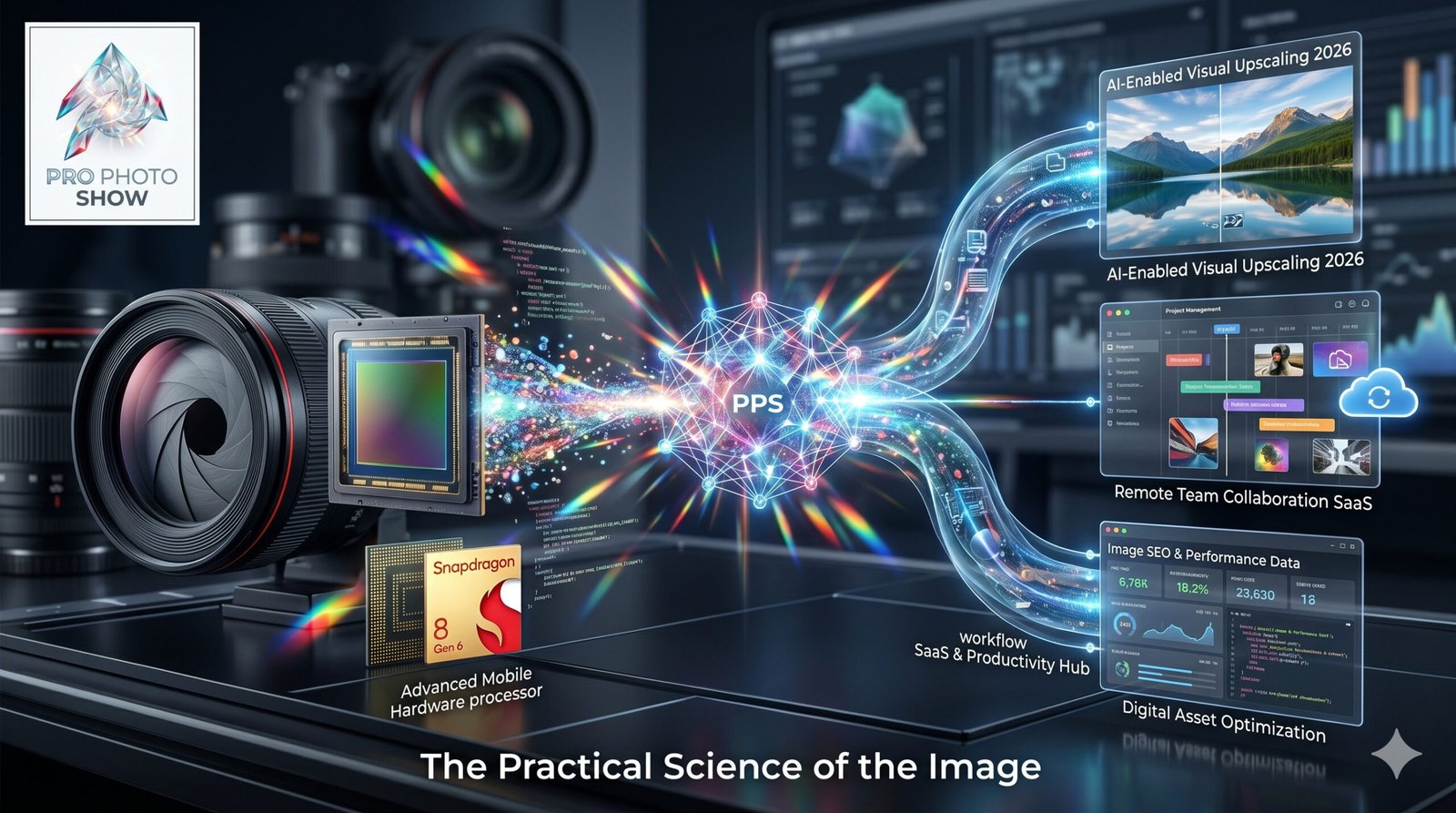
Computational RAW processing has moved from a niche engineering concept to a practical force inside professional image development. The shift matters because RAW files are no longer treated as fixed captures waiting for manual interpretation, they are increasingly treated as structured data that can be analyzed, cleaned, upscaled, denoised, color-managed, and optimized with machine learning before a final render ever reaches a client or catalog. Modern RAW development builds on established professional RAW image processing, machine-learning image enhancement, and digital camera color science. For a technical reference, see Topaz Photo’s RAW Denoise documentation.
AI Is Reshaping RAW Image Development
RAW Files Are Becoming Intelligent Inputs
Professional RAW development now starts with far more than sensor conversion and camera profile selection. AI systems inspect noise patterns, highlight roll-off, subject boundaries, lens behavior, and scene context, then make pixel-level decisions that used to require dozens of manual adjustments in Photoshop, Capture One, or Lightroom. The evidence suggests that modern RAW engines are no longer just decoding, they are inferring.
That change has real operational value for studios and solo creators handling high-volume work. Fashion, sports, product, wedding, and editorial pipelines all benefit when the first-pass development stage removes chroma noise, corrects color bias, and stabilizes tonal structure automatically. Technical analysis shows that the strongest systems preserve microcontrast while reducing the trial-and-error loop that slows culling, retouching, and delivery.
AI Noise Reduction, Demosaicing, and Detail Recovery
AI-driven noise reduction has become one of the most visible changes in computational RAW processing. Traditional algorithms often forced a tradeoff between texture preservation and artifact suppression, especially in low light or high-ISO work. Current models use trained image priors to reconstruct detail more convincingly, which helps retain fabric texture, hair definition, and architectural edges without the waxy look that older tools could produce.
Demosaicing has also become more sophisticated because the software can better predict color information between sensor samples. That matters for cameras with dense sensors, unusual CFA layouts, or aggressive sharpening pipelines. When demosaicing, denoising, and deblurring are coordinated inside a single computational pipeline, the resulting file often requires less downstream correction, which shortens the path to a usable master image.
A Practical Processing Framework for Professional Teams
The most effective studios are adopting a decision model that separates capture intent from computational intervention. I use the CRISP RAW Model to describe this workflow: Capture integrity, Reconstruction quality, Intent-based grading, Storage discipline, and Publication readiness. Each stage maps to a specific technical responsibility, which helps teams avoid overprocessing or inconsistent look development.
| CRISP Stage | Core Function | Primary Risk if Ignored | Typical Tool Layer |
|---|---|---|---|
| Capture integrity | Preserve exposure latitude and metadata | Irrecoverable highlight or shadow loss | Camera, tethering, ingest |
| Reconstruction quality | Demosaic, denoise, sharpen, deblur | Plastic texture or false detail | RAW engine, AI enhancer |
| Intent-based grading | Match creative direction and brand color | Inconsistent output across sets | Color tools, LUTs, profiles |
| Storage discipline | Protect masters, edits, and versions | Asset loss, version confusion | DAM, NAS, cloud backup |
| Publication readiness | Export for web, print, or client delivery | Slow delivery, color mismatch | Render queue, CMS, proofing |
Workflow Speed Is Now a Competitive Metric
The data indicates that turnaround time has become a measurable competitive advantage in imaging. Agencies and production teams increasingly evaluate not just output quality, but the time required to move from capture to approved file. Computational RAW processing reduces that lag by automating repetitive corrections across large batches, especially when paired with GPU acceleration and preset governance.
This changes staffing and software procurement decisions. Teams may no longer need separate manual passes for noise reduction, clarity tuning, and basic tonal correction on every frame. Instead, they can reserve human attention for high-value work such as skin retouching, compositing, color matching, and brand-specific finishing, while the AI layer handles first-order technical cleanup.
The New Rules of Professional Imaging
Color Authority Still Matters More Than Automation
AI can interpret pixels, but professional imaging still depends on disciplined color management. The strongest computational RAW tools respect camera profiles, display calibration, and output intent, because a technically clean image can still fail when it lands in a print proofing environment or a managed editorial workflow. Automated adjustments are useful only when they sit inside a verifiable color pipeline.
That is especially true for brands that deliver across OLED monitors, print systems, social platforms, and ecommerce catalogs. A profile that looks excellent on one export may fall apart on another if the development engine overcommits to local contrast or HDR-like tonal expansion. Technical analysis shows that color fidelity remains the anchor, while AI functions as a corrective layer, not a substitute for color science.
The Hardware Stack Is Part of Image Quality
Computational RAW processing has tied image quality more closely to hardware performance than older manual workflows did. High-throughput GPUs, fast NVMe storage, ample RAM, and efficient thermal design directly affect how quickly AI-enhanced previews, batch exports, and layered renders complete. A weak workstation can make a great imaging engine feel unstable or inconsistent.
The comparison below reflects a practical hardware lens for professional development workloads.
| Hardware Layer | Best Use Case | Strength in RAW Processing | Constraint to Watch |
|---|---|---|---|
| High-core CPU | Metadata handling, exports, catalog operations | Reliable multitasking | Slower than GPU for AI transforms |
| Pro GPU | Denoising, masking, preview rendering | Fast acceleration for AI models | VRAM limits on large files |
| NVMe SSD | Cache, previews, scratch operations | Low-latency file movement | Capacity fills quickly in studios |
| ECC RAM workstation | Large batch stability, long sessions | Reduced crash risk | Higher cost per system |
| Color-accurate display | Final inspection, grading, proofing | Better visual judgment | Requires calibration discipline |
Imaging Decisions Are Now Workflow Decisions
Professional imaging has become less about isolated edits and more about system design. The same RAW engine can feel excellent in one environment and inefficient in another, depending on ingest speed, asset naming, revision control, and where AI processing is permitted in the pipeline. Teams that ignore workflow architecture often blame the software when the bottleneck is actually storage, sync, or governance.
A better approach is to define where AI should be allowed to make irreversible decisions. For example, some organizations permit AI denoise on masters but require manual review before export, while others only apply computational enhancements to derivatives. That structure protects archive integrity and avoids a situation where every file becomes a black box version of the original capture.
FAQ
How does AI-based RAW processing differ from traditional non-destructive editing?
AI-based RAW processing goes beyond slider-based correction by evaluating scene structure, texture patterns, and sensor noise statistically. Traditional non-destructive editing still matters, but it usually applies operator-defined changes. AI systems can predict missing detail, adapt denoising to local content, and improve first-pass interpretation before the image even enters manual finishing.
Can computational RAW tools replace expert colorists or retouchers?
They can reduce repetitive labor, but they do not replace expert judgment. Colorists still manage creative intent, consistency across devices, and output-specific transforms. Retouchers still control skin fidelity, compositing accuracy, and brand-specific aesthetics. The evidence suggests that AI is strongest when it handles technical cleanup while specialists direct the final visual language.
What risks should studios manage when adopting AI RAW workflows?
The main risks are overprocessing, inconsistent output across devices, vendor lock-in, and weak archival control. If AI adjustments are not governed, the team may lose track of what changed and why. Studios should also verify that their hardware, storage, and color pipeline can support the added compute load without degrading reliability or visual consistency.
Computational RAW processing has changed professional image development by shifting the center of gravity from manual correction to guided reconstruction. The strongest workflows now combine AI denoise, advanced demosaicing, color management, and hardware acceleration inside a controlled production system. That combination saves time, improves consistency, and gives specialists more room to focus on creative judgment rather than repetitive technical repair.
Conclusion: Computational RAW Processing: How AI Is Changing Professional Image Development
The strategic takeaway is clear, AI is most valuable in RAW processing when it improves fidelity, reduces batch labor, and preserves downstream control. Teams that treat computational imaging as part of a larger system, rather than a standalone effect, will see better throughput and cleaner handoffs between capture, development, retouching, and delivery. The next 18 months will likely bring tighter integration between RAW engines, DAM platforms, GPU-accelerated editing, and cloud review tools, with more emphasis on real-time inference, local privacy controls, and version-aware automation.
As this market matures, the winners will be the organizations that manage both creative intent and infrastructure discipline. That means calibrated displays, fast storage, resilient backups, predictable color policy, and clear rules for where AI is allowed to intervene. The evidence suggests that professional imaging is moving toward computational pipelines that are faster, more adaptive, and far more dependent on technical governance than the old edit-by-edit model ever was.
Tags: computational RAW processing, AI image development, professional photography workflow, RAW denoising, color management, imaging hardware, visual technology