
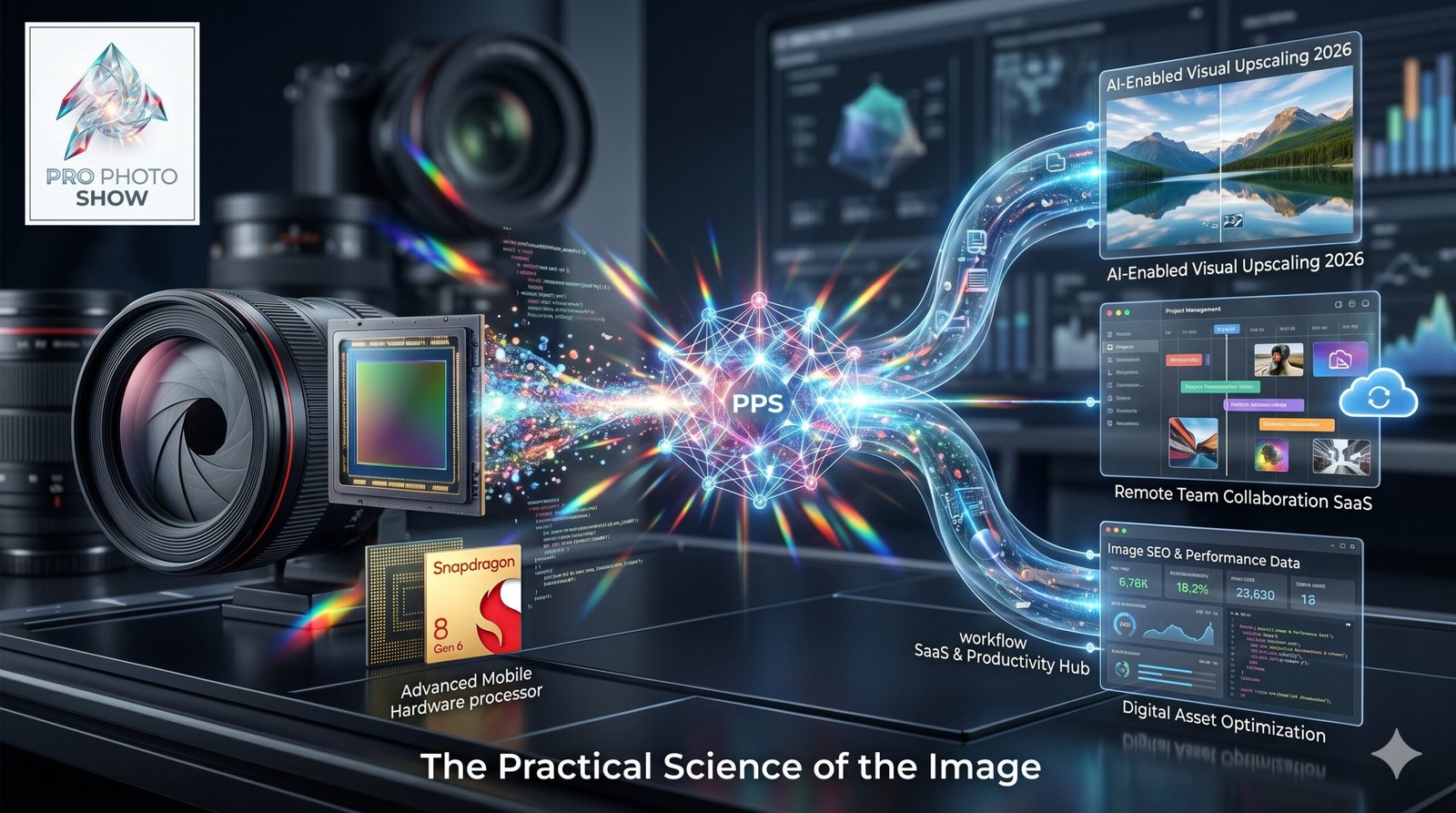
RAW processing converts sensor measurements into a viewable image. The pipeline typically includes black-level correction, defect handling, demosaicing, white balance, colour transformation, denoising, lens corrections, tone mapping and output encoding. Machine-learning methods can assist with some stages, but “AI RAW processing” is not one single operation and does not recover information that was never recorded with certainty.
For a comparative look at RAW converter workflows, see our guide to RAW image processing.
RAW data and demosaicing
Many cameras record a colour-filter-array mosaic rather than a full RGB value at every pixel. Demosaicing estimates missing colour components from neighbouring samples. Different algorithms trade off detail, false colour, moiré and noise. Some cameras use different sensor architectures or multi-layer colour systems, so the exact RAW format and decoding path matter.
Noise reduction and detail reconstruction
Noise reduction can suppress random variation, but strong processing may also remove fine texture. Learned models use training data to estimate plausible image detail, which can improve appearance while introducing a risk of invented or altered texture. For documentary, scientific or evidential use, retain the original RAW file and make material processing transparent.
These operations overlap with broader machine-learning image enhancement, where denoising, sharpening and reconstruction need separate evaluation.
Lens and colour corrections
Lens profiles may correct distortion, vignetting and chromatic aberration. Colour profiles map camera data into a working colour space and influence hue and tonal rendering. Corrections are software- and camera-specific. Preserve the processing settings and avoid assuming that a particular profile is a neutral representation of the scene.
Controlled evaluation protocol
- Record camera, lens, ISO, exposure, RAW format and software/model version.
- Use the same RAW files for each processing workflow.
- Compare demosaicing, denoising, sharpening, colour and highlight recovery separately where possible.
- Inspect texture, fine patterns, edges, false colour, halos and noise at full resolution.
- Measure processing time and memory use under a defined hardware configuration.
- Preserve original files and export settings for repeatability.
Topaz documents its RAW Denoise feature and supported workflow in the Topaz Photo RAW Denoise documentation. Product documentation describes functionality, not an independent comparison or proof that one workflow is superior.
For related colour and camera-matching considerations, see our article on AI-assisted colour grading.
Conclusion
AI-assisted RAW processing can improve particular images and reduce manual effort, but results depend on the camera, software, model and settings. Distinguish demosaicing, denoising, sharpening and reconstruction, preserve the source RAW file, and validate changes on representative images before adopting a production workflow.